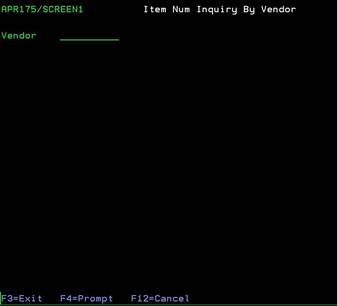
Item Num Inquiry by Vendor (APR175/SCREEN1)
Can be accessed by:
1.
Menu 3940
This
option will allow you to search for an item by Vendor# to get to the Stock
Status Inquiry screen. On the first screen, you must input the Vendor# you are
inquiring about. Pressing (F4) will
bring you to the Vendor Inquiry screen to search for the Vendor# if you do not know it.