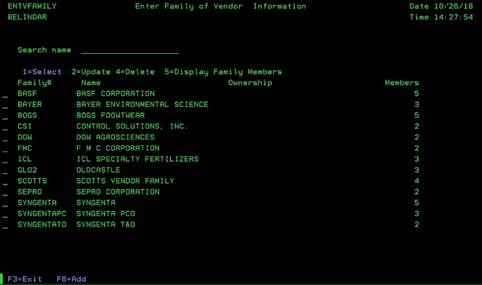
Family of Vendor Information (ENTVFAMILY)
Can be accessed by:
2.
Menu
5170, F4 on Vendor Family
This screen will provide Vendor family Selection criteria. Vendor Family is used to group certain Vendor Numbers together for reporting processes. This screen will list all currently established Vendor Families. You can also search by Family Name. From this screen you can choose: 1-select (will bring choice back to previous screen), 2-update, 4-delete (removes family immediately), 5-display Family Members or F6-Add Vendor Family.