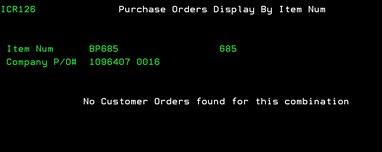
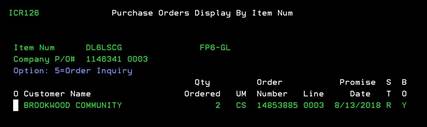
Purchase orders
display by item num (ICR126)
Can be accessed by:
1.
Menu
4920, option O
2.
Menu
3924, option 5, F6, option 5, option H, F10, F5, option O
3.
Menu
6640, Enter, F2, F5, F5, ‘H’ on a particular line
item, F10, F5, ‘O’
4.
Menu
1910, ‘H’ on a particular line item, F10, F5, ‘O’
5.
Menu
1930, 5 on a particular invoice, ‘H’ on a particular
line item, F10, F5, ‘O’
This
option will display any customer orders for this item combination if any are
available. This is an inquiry-only screen. Press ENTER to return to previous
display.