Release
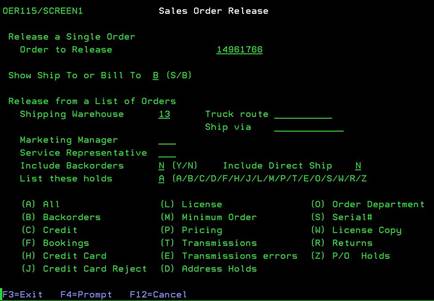
Order (OER115/SCREEN1)
Can be accessed by:
1.
Menu 1112,
F9
2.
Menu 6640, F10, F10, “M” on a particular
invoice, F9
This
screen is for releasing this order to Pool status. It will automatically
pre-fill for releasing this single order to Pool status. This is similar to Menu
1121, but for a single order only. All other options on this screen are
used for group release and are not necessary for one invoice. Press ENTER to release the single order and F3
to exit this screen.